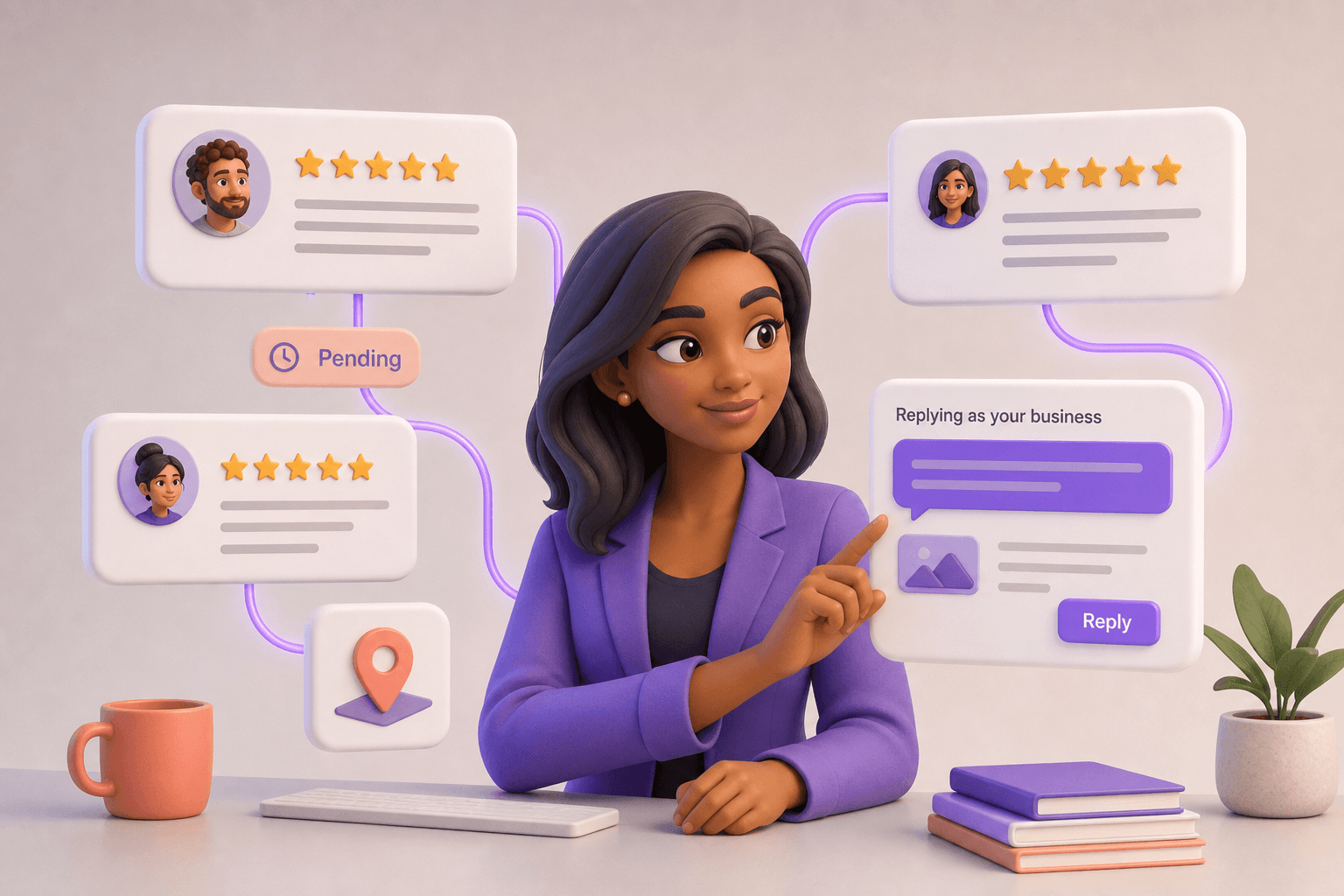
Manage Your Google Reviews in Social Studio
See every review across every Google Business Profile location, reply directly from Flockx, and track moderation status - all in one place.
A new five-star review lands on your Google Business Profile. You see the notification, feel the little rush of pride, and then... do nothing.
You will reply later. You will reply when you are at your desk. You will reply when you remember. Except "later" becomes tomorrow, tomorrow becomes next week, and that happy customer is left wondering whether anyone even read their kind words.
Replying to reviews should not be a chore you keep putting off.
Manage your Google reviews in Social Studio
You can now read and reply to your Google Business Profile reviews - right inside Flockx Social Studio. Connect your Google Business Profile, pick a location, and every review shows up in one feed. Reply or edit an existing reply without leaving Flockx.
Every review in one view
All your locations, all your reviews - five stars, one star, and everything in between - in a single feed inside Social Studio.
Reply directly to Google
Write your reply and post it straight to your Google Business Profile. No copy-paste, no tab-switching. Edit an existing reply the same way.
See your location average
Your location's average rating and total review count show at the top of the feed, so you always know where you stand.
Track moderation status
Pending and rejected replies are surfaced with chips on each review card, so you know which replies Google is still reviewing.
How it works
If you have already connected your Google Business Profile in Flockx, you are ready to go. If not, the connection takes about 30 seconds through Google's secure OAuth flow.
Connect your Google Business Profile
Open Social Studio, head to the Reviews tab, and connect your Google Business Profile. Flockx only receives a revocable access token - your Google credentials stay with Google.
Pick a location
If you manage multiple locations, select the one whose reviews you want to handle. Every review for that location loads into the feed.
Reply or edit
On any review, hit Reply to write a new response, or Edit Reply to update an existing one. Your reply posts directly to your Google Business Profile.
Why this matters
Review responses are not just customer service - they are local SEO. Google's own guidance tells businesses to reply to every review, and the businesses that do see measurably better local rankings. But most small businesses do not have the time.
- Reply faster Customers expect a response within 24 hours. With every review in one feed, you can reply in minutes - not days.
- Stay on brand Every reply is in your voice. Write each response to match your tone.
- Never miss a review Every review across every location shows up in one feed. No more logging into Google Business Profile daily to check.
- Rank higher locally Google rewards businesses that reply to reviews. Consistent, thoughtful replies signal an active, engaged business.
Pro tip
Star ratings matter, but so do the words customers use. Read the review text - not just the stars - and tailor each reply to what was actually said. A five-star review that mentions your service gets a different reply than one that mentions your product.
Who this is for
This is built for the multi-location operator who cannot keep up with reviews across every profile. The local business owner who knows they should reply but keeps deprioritizing it. The marketing lead who needs review responses to be consistent, on brand, and fast - without adding headcount.
If you have ever thought, "I just need a better way to handle my reviews" - this is it.
What is next
This is the first version of review management in Flockx, and we are just getting started. Coming soon:
- Review analytics See trends in your ratings, review volume, and response rates over time.
- Sentiment insights Understand what customers are saying across all your reviews at a glance.
Try it now
Review management is available today inside your Flockx workspace. Head to Social Studio, open the Reviews tab, and connect your Google Business Profile to start replying to reviews.
Every review deserves a reply. Social Studio makes it easy to give one.
Start managing your Google reviews
Connect your Google Business Profile in Flockx Social Studio. See every review, reply directly, and track moderation - all in one place.