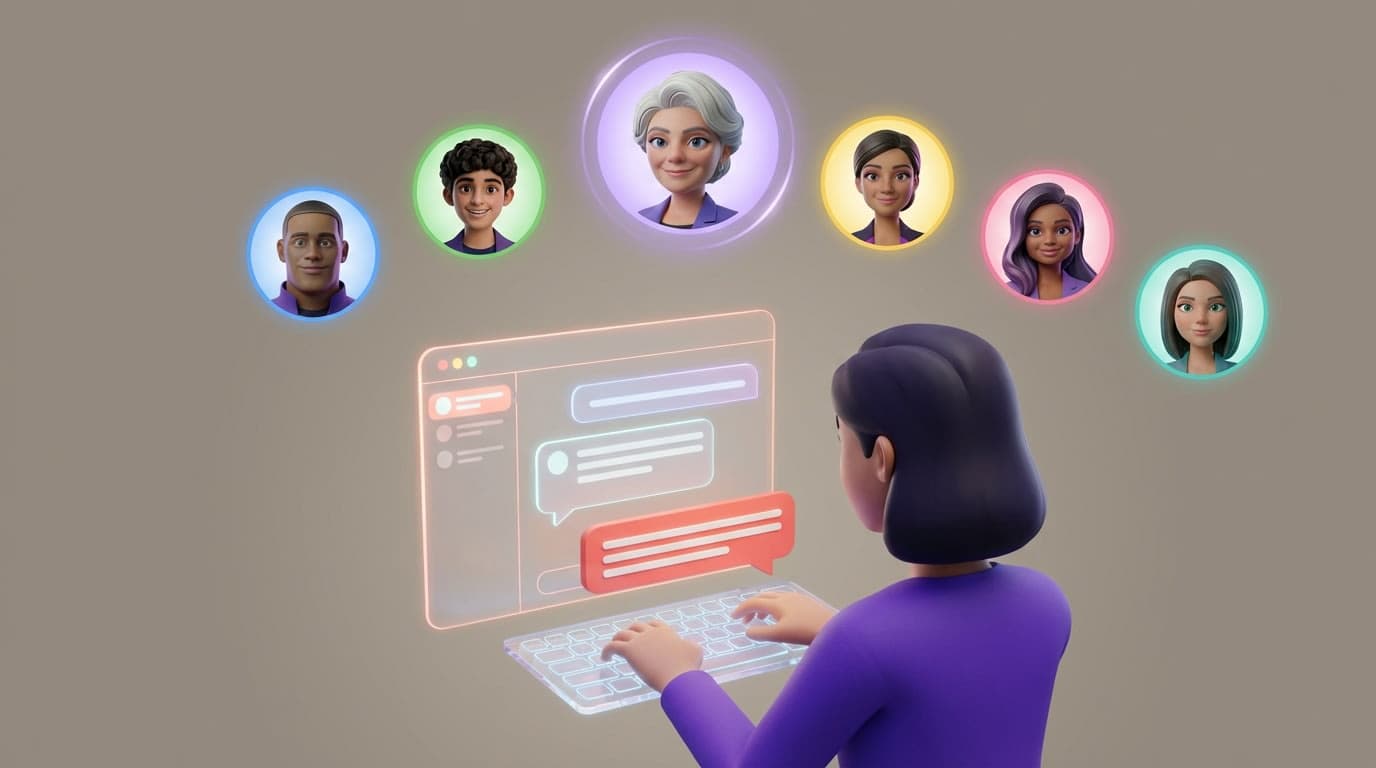
@Sage, What Do You Think? How to Direct Flockx Like a Real Manager
Flockx has six specialists. Here is how to make sure the right one picks up every task.
The Problem: Good Team, Wrong Pickup
Imagine you walk into your office and say, out loud to no one in particular, "We need a competitive analysis by Friday." In a room with six people, who picks it up? The content writer? The marketing lead? The operations manager? Without directing the request, you get either the wrong person volunteering or a watered-down response that tries to satisfy everyone.
The same thing happens in Flockx chat. When you type a message without specifying who it is for, the system routes it based on context. Most of the time that works fine. But sometimes you know exactly which specialist should handle the task, and a general message produces a response that is too broad, too creative when you wanted data, or too strategic when you wanted copy.
The fix is the same one every good manager already uses: address the right person directly.
The Solution: @Mention the Specialist You Need
In Slack, you @mention someone to make sure they see your message and know you are talking to them. Flockx works the same way. Type @ followed by a team member's name, and your message goes directly to that specialist.
How It Works
Start typing @ in the chat input. A dropdown appears with your team members.
Select the specialist you want. Their name appears as a tag in your message.
Write your request. That specific agent handles the response, bringing their unique expertise and perspective.
No new interface to learn. No settings to configure. If you have ever tagged someone in a team chat, you already know how this works.
When to @Mention (and When You Do Not Need To)
You do not need to @mention someone for every message. The system is smart about routing. But there are specific situations where directing the request makes a measurable difference in the quality of the response.
Use @Mentions When
- ✓You want data, but the conversation has been creative
- ✓You need a marketing perspective in a strategy discussion
- ✓You want copy rewritten in your brand voice
- ✓You need a process check during a brainstorming session
- ✓You are asking for outreach or relationship advice
Skip @Mentions When
- •The task clearly belongs to one specialist
- •You are continuing a focused thread with one agent
- •You want the system to decide the best specialist
- •The request is simple and does not need specialist depth
Think Like a Manager
Ask yourself: "If I had a human team sitting in front of me, who would I turn to for this?" That is the person you @mention. If you would just say it to the room, skip the mention and let the system route it.
Six Prompts You Can Try Right Now
Here are real examples of how @mentions change the response you get. Each prompt goes to a different specialist, and each specialist brings a different lens to the same kind of request. Not sure who your specialists are? Read Get started with Flockx for the full breakdown.
 Directed to Sage
Your message
@Sage, what does the research say about short-form vs. long-form content for B2B audiences in 2026?
What Sage focuses on
Sage pulls from market research, industry reports, and trend data. The response includes statistics, source references, and a strategic recommendation. No creative fluff, just evidence.
 Directed to Clara
Your message
@Clara, rewrite this paragraph in my brand voice. Make it punchy and direct.
What Clara focuses on
Clara focuses on language, tone, and readability. She references your brand guide and past content to match your voice exactly. The output is polished copy ready to publish.
 Directed to Maya
Your message
@Maya, how would we promote this blog post on LinkedIn? Give me 3 post variations.
What Maya focuses on
Maya thinks in distribution and engagement. She crafts platform-specific copy with hooks, hashtag strategy, and timing recommendations. Each variation targets a different audience angle.
 Directed to Eva
Your message
@Eva, organize my launch tasks into a priority list with deadlines for this week.
What Eva focuses on
Eva structures and sequences. She takes your unordered list of tasks, identifies dependencies, assigns priorities, and maps them against your available time. The output is a ready-to-execute action plan.
 Directed to Otto
Your message
@Otto, review this workflow and identify where we are losing time or duplicating effort.
What Otto focuses on
Otto audits processes. He maps each step, flags redundancies, and suggests automation opportunities. The response is structured as a before/after comparison with specific improvements.
 Directed to Alex
Your message
@Alex, draft a partnership pitch email for a podcast host with 50k subscribers.
What Alex focuses on
Alex focuses on relationships and positioning. The draft is personalized, leads with mutual value, and includes a clear ask. It reads like a real outreach message, not a template.
Combining @Mentions for Cross-Functional Work
Real work is rarely single-discipline. A product launch involves strategy, content, marketing, and coordination. One of the most powerful patterns is using @mentions to bring different specialists into the same conversation thread, one after another.
Example: Planning a Product Launch in One Thread
Message 1
@Sage, analyze the competitive landscape for our new course launch. Who else is launching something similar this quarter?
Message 2 (after Sage responds)
@Clara, based on Sage's analysis above, write a launch announcement blog post that positions us against those competitors.
Message 3 (after Clara responds)
@Maya, take Clara's blog post and create a 5-day social campaign to promote it across LinkedIn, X, and Instagram.
Message 4 (after Maya responds)
@Alex, identify 10 potential partners who could cross-promote this launch. Draft a personalized outreach message for each.
Each specialist builds on what the previous one produced. Sage provides the research. Clara turns it into content. Maya plans the distribution. Alex handles outreach. You directed each step, and the entire thread stays connected so every agent has context from the earlier messages.
This is how a well-managed team actually works. Not everyone doing everything at once, but specialists contributing in sequence, each building on the work before them.
Context Carries Forward
When you @mention a new specialist in the same thread, they can see the full conversation history. You do not need to repeat what previous agents said. Just reference it naturally: "Based on Sage's analysis above..." or "Using the blog post Clara drafted..."
Quick Reference: Who to @Mention for What
Keep this table handy until it becomes second nature.
| Specialist | Best For | Example Prompt Start |
|---|---|---|
| Sage | Research, strategy, competitive analysis | @Sage, what does the data say about... |
| Clara | Writing, editing, SEO, brand voice | @Clara, write/rewrite this in... |
| Maya | Marketing, campaigns, social media | @Maya, how would we promote... |
| Eva | Task management, scheduling, organizing | @Eva, organize this into... |
| Otto | Operations, process review, analytics | @Otto, review this process and... |
| Alex | Outreach, partnerships, networking | @Alex, draft outreach for... |
Manage Your Team, Do Not Just Talk to It
The difference between getting generic AI output and getting specialist-grade results often comes down to one character: @. It takes no extra effort. It requires no training. It is the same habit you already have from every team communication tool you have ever used.
Flockx has six specialists. Each one is good at what they do. But they are at their best when you direct them with intention, just like any real team.
Open a chat, type @, and start managing.
Try @Mentioning Your Team
Open your chat, type @ to see your specialists, and direct your first request to the right person.