Bring the Whole Brief: Spreadsheets, Decks, Docs, and Video in Chat
Your numbers, contracts, pitch decks, and screen recordings belong in the same conversation as your marketing and ops work. Now they can live there together.
If you run a small or mid-size business, the answer you need is rarely in one place. It is split across last quarter's forecast in a workbook, the client agreement saved as a PDF, the slide someone promised you for Friday's meeting, and sometimes the two-minute walkthrough clip that explains what the spreadsheet already says.
Until now, the honest workaround was to copy blocks of text, paste them into chat, and hope nothing important dropped out. That is not strategy. That is busywork. You told us so. We listened, and we opened the door wider.
The short version
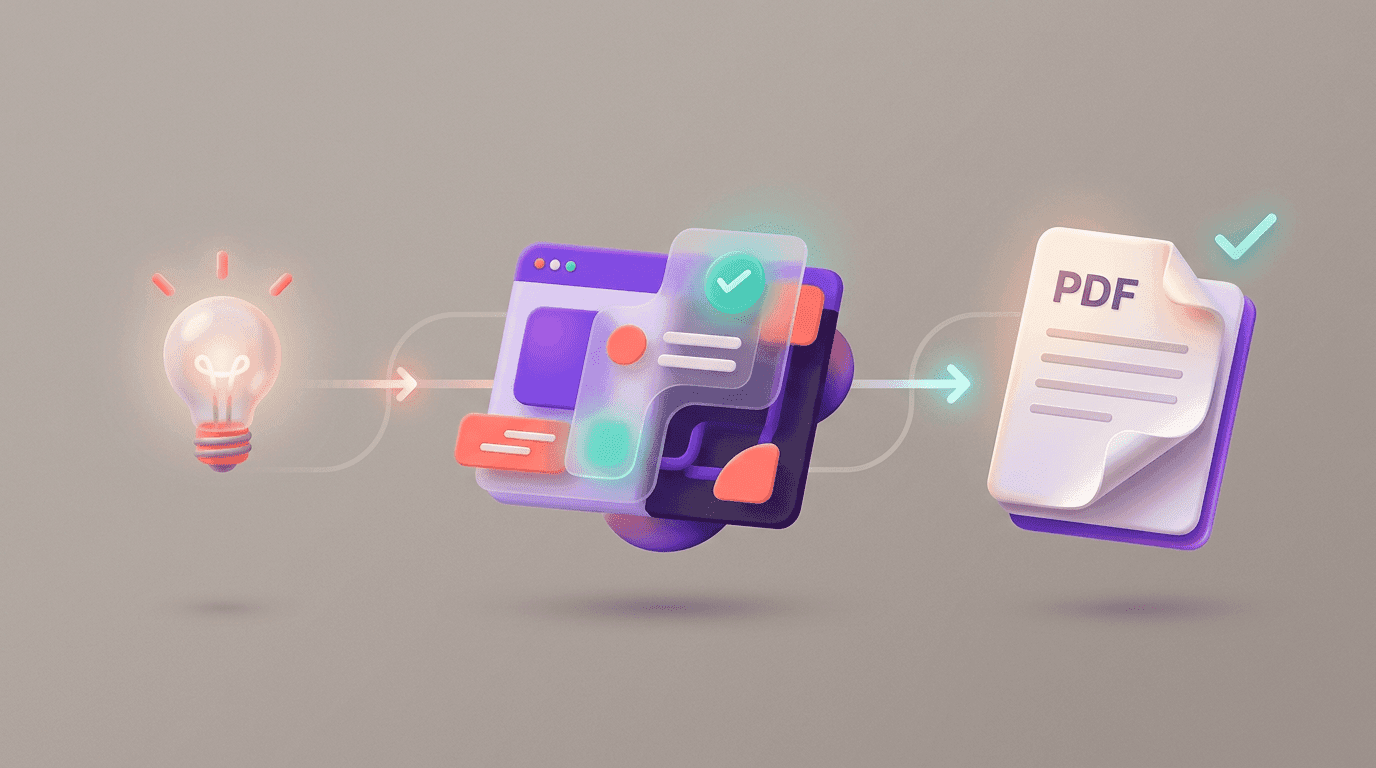
Flockx chat now welcomes more of what your company already runs on: spreadsheets, documents, presentations, and video, alongside images and everything you used before. You get clearer on-screen status while files attach, and previews line up with what you actually sent. Less second-guessing. More of your real business context in one thread.
Bring the files the business already runs on
Keep your habit: drag a file into the message box. What changed is how much of your day-to-day that covers. Think operating budgets, vendor quotes, inventory exports, policy drafts, partner one-pagers, the pitch deck you keep tweaking the night before a big conversation, and short clips: a product demo, a screen recording for your team, or a customer testimonial someone finally sent over.
Flockx is only as sharp as the context you can share. When the product made you flatten a workbook into plain text first, you were doing two jobs: prepare the file, then prepare the chat. We want you to skip that middle step and get straight to the decision, the draft, or the plan.
You always know where things stand
Attaching a file should feel as natural as attaching one to an email, with none of the mystery. You now get clearer signals while your spreadsheet, document, or video comes along for the ride, so you are not left wondering whether your team can actually see the workbook or play the clip yet.
That means fewer duplicate uploads, fewer "did you get my file?" moments, and more confidence that everyone in the thread is looking at the same version of reality.
Four wins to try on your next busy week
- Plan vs actual: Drop the workbook with your numbers, ask what happens if you delay a hire or move a launch, and let Sage or Otto talk straight to the sheet you already trust.
- Client or vendor paperwork: Upload the PDF, ask Clara for a plain-language summary, a list of obligations, or talking points before you get on the phone.
- The deck that has to land: Attach the presentation, ask for the storyline, the risks, or a one-page leave-behind your sales lead can carry out the door.
- Show, do not re-explain: When someone says "watch the first minute," drop in a short video instead of parking the file somewhere else and pasting a link. Screen recordings, product clips, and walkthroughs sit next to your deck and spreadsheet so your team can pull out key moments, next steps, or what still needs a decision.
Same simple drag-in flow. More kinds of business files and video, with clearer status while they attach.
When every hour counts
Small and mid-size teams rarely get a dedicated analyst, a full-time copywriter, and a strategy partner on retainer. You get one afternoon to prep for the bank, the board, or a customer who finally said yes. The update behind this story is simple: Flockx meets you where your work already lives, so you spend less time reformatting and more time moving the business forward.
That is the excitement we want you to feel. Not a feature checklist. A little more room to breathe, a little less friction between the file on your desktop and the answer you needed yesterday.
We are still listening
If there is a file type your business relies on and it still feels awkward in chat, tell us what you tried. Many of the improvements in this release started exactly that way: real teams, real folders, real Friday deadlines.
Meet your work where it already is
You should not have to translate budgets, contracts, decks, or walkthrough clips into something "chat-friendly" before you get help. Your team should see the same workbook, the same PDF, the same slides, and the same footage you do.
Open a thread, drag in what you have, and keep building. We will keep widening the path as long as you keep showing us where you need to go next.
Try it on your next real decision
Drop a spreadsheet, a document, a deck, or a short video into chat and see how fast your team picks up the thread.