How Jennifer Conquered Email Overload
A solopreneur spent 3 hours daily on email. Flockx took over the routine, giving her back 15+ hours per week for actual work.
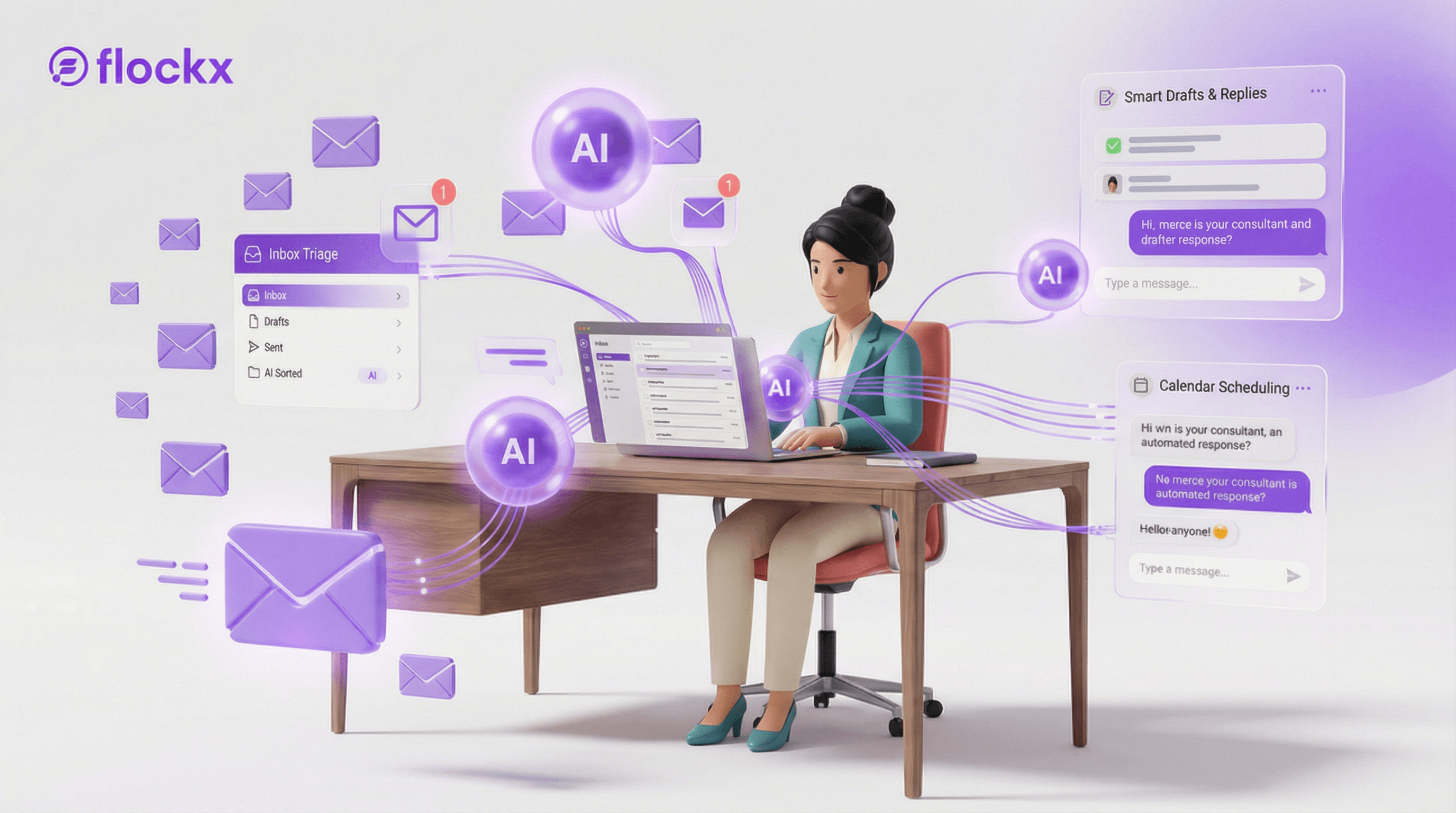
The Inbox Prison
Jennifer Lawson ran a successful online course business teaching photography. Her courses sold well, her students loved her, and her creative work was thriving. There was just one problem: email was eating her alive.
Every morning started the same way. Coffee, laptop, three hours of email. Student questions about course access. Potential buyers asking about discounts. Collaboration requests. Affiliate inquiries. Tech support issues. By the time she finished, half the workday was gone.
The Daily Drain
Daily emails received: 75-100
Time spent on email: 3+ hours
Emails requiring personal attention: ~15%
Repetitive questions: ~85%
The irony was brutal. Jennifer spent more time answering questions about her photography courses than actually creating photography content. Her inbox had become her job.
The Escape Route
A business friend who also sold courses mentioned she'd automated most of her email. "My AI handles the FAQs, the tech issues, the routine stuff. I only see emails that actually need me."
Jennifer was intrigued but worried. Her students valued her personal touch. Would they feel abandoned if she "outsourced" to AI?
What Jennifer Built
Jennifer created an email specialist trained on her course content, common questions, and warm, encouraging teaching voice. It could handle 85% of inquiries immediately—and students often couldn't tell the difference.
Setting Up the System
Mapping the Patterns
Voice Training
Escalation Rules
The First Morning
Jennifer woke up to 82 new emails. Her AI had already handled 67 of them:
Course access questions: Resolved with step-by-step instructions, specific to each student's situation.
Discount inquiries: Handled with current promotions or waitlist signup for future sales.
Tech issues: Troubleshot with FAQ links and escalated the 3 that needed personal attention.
General questions: Answered warmly with links to relevant resources.
Instead of 3 hours, Jennifer spent 35 minutes on email—reviewing AI responses, handling the 15 that needed her personally, and moving on with her day.
The Transformation
Time Reclaimed
From 3+ hours daily to 30-45 minutes. Over 15 hours per week back.
Response Speed
From 24+ hours to instant for routine questions. Students got help faster.
Course Sales
Up 23%. Faster responses to pre-sale questions converted more buyers.
Student Satisfaction
Ratings stayed high. Students appreciated the quick, helpful responses.
The Surprise
Jennifer expected complaints about "talking to a robot." Instead, she got compliments on her improved response time. Students didn't care who answered—they cared about getting help when they needed it.
The Lesson
Jennifer's story reveals a truth about email overload: most of it is repetitive. The same questions, asked slightly differently, over and over. An AI trained on your actual responses can handle the bulk of it—faster and more consistently than you can.
Jennifer's Advice
"I was drowning in email and feeling guilty about slow responses. Now my students get help instantly, and I have time to create new content. The funny thing is, my 'personal touch' improved because when I do respond personally, I'm not rushed or resentful. I'm genuinely present."
Jennifer now creates two new courses per year instead of one. She's launched a photography newsletter. And she starts her mornings with creative work instead of inbox triage. Email is no longer her prison—it's just another tool.
Ready to Escape Email Overload?
Like Jennifer, you can build Flockx that handles the routine so you can focus on what matters.