Chat Threads: Organized AI Conversations
Stop losing context in endless chat histories. Learn how to use threads to keep Flockx conversations organized, searchable, and productive.
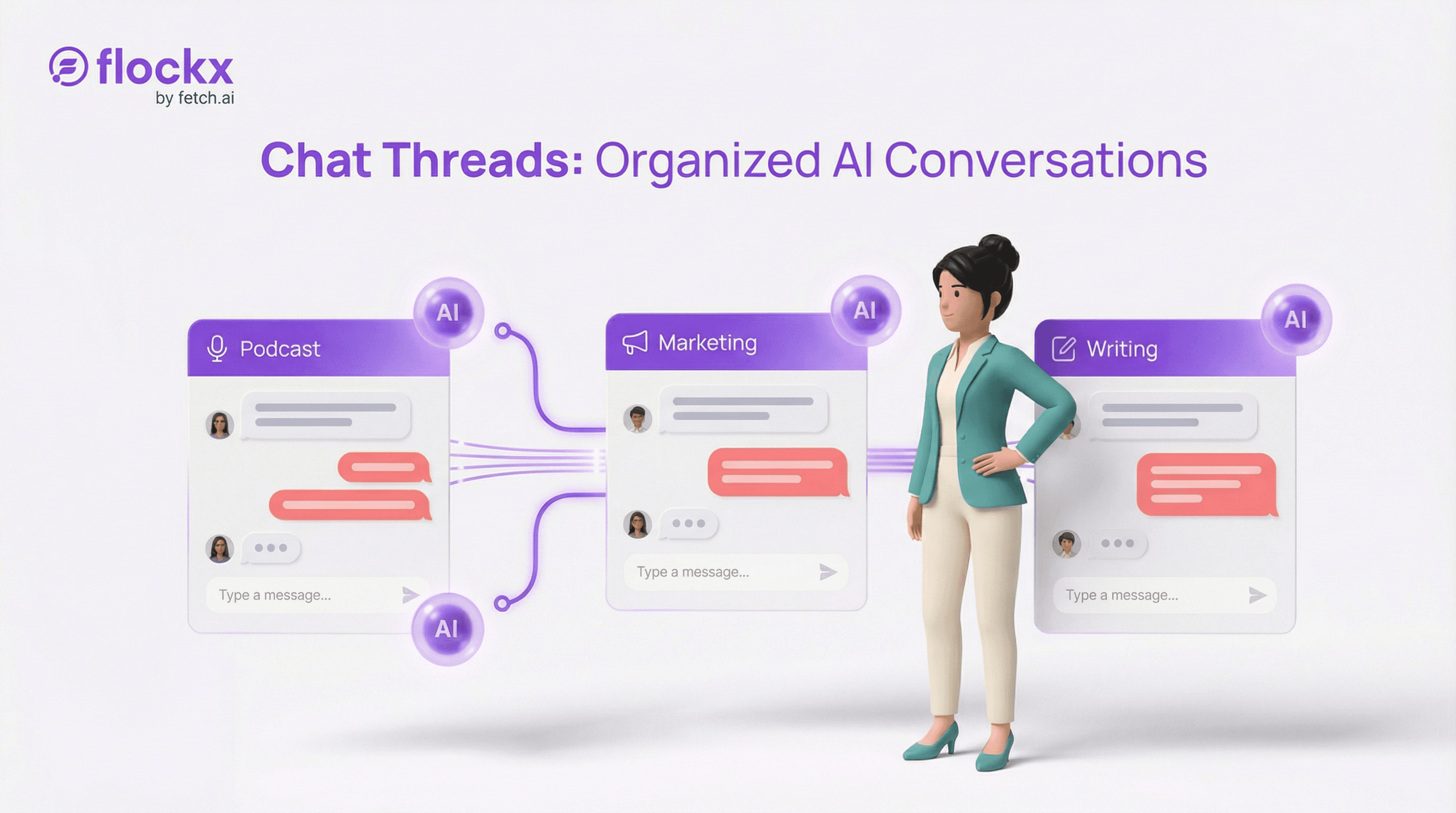
When you're working on multiple projects with Flockx, conversations can quickly become a tangled mess. Last week's podcast notes mixed with this week's marketing campaign. Client work blending into personal projects.
Chat threads solve this by giving each project its own dedicated space—complete with persistent context and easy search.
The Thread Principle
Think of threads like project folders for your AI conversations. Each thread maintains its own context, so your AI specialists remember what you discussed last time—even if that was weeks ago.
Why Threads Matter
Without threads, every conversation with Flockx starts from scratch. You waste time re-explaining context, and your specialists lose the accumulated knowledge from previous sessions.
Project Separation
Keep client work separate from personal projects. Each thread is its own space with its own context.
Persistent Context
Your AI remembers previous conversations in the thread. No need to re-explain what you're working on.
Easy Search
Find past conversations quickly. Search across all threads or within a specific project.
Clear Organization
Name threads by project, client, or topic. Your workspace stays clean and navigable.
Creating Effective Threads
The key to effective thread organization is thinking about how you'll want to find things later.
Name Threads Descriptively
Use clear, specific names that tell you exactly what the thread contains. Future you will thank present you.
Good thread names:
- • "Podcast S3E12 - Interview with Dr. Chen"
- • "Q1 2026 Marketing Campaign"
- • "Client: Acme Corp Website Copy"
- • "Book Chapter 5 Draft"
One Project Per Thread
Resist the urge to mix unrelated topics in the same thread. When conversations blend, context gets confused and searching becomes harder.
- Create new threads for new projects
- Archive threads when projects complete
- Use sub-threads for project phases if needed
Start Threads with Context
When you create a new thread, give Flockx the initial context they need. This primes the conversation and establishes what the thread is about.
Example thread opener:
"This thread is for my upcoming podcast series on productivity. We'll be planning episodes, drafting scripts, and creating marketing materials. The target audience is busy professionals aged 30-45."
Thread Strategies for Different Work
- Ongoing projects: Create a thread per project and use it throughout the project lifecycle.
- Client work: One thread per client, or one per client project for complex relationships.
- Content series: Create threads by series (podcast season, blog series, course) rather than individual pieces.
- Research: Dedicated threads for ongoing research topics let your AI build knowledge over time.
- Quick tasks: Use a 'scratch' thread for one-off tasks that don't need long-term context.
Getting More from Threads
Pro Tips
Pin important threads: Keep your most active projects easily accessible.
Use thread search: When you need to reference something from months ago, search finds it instantly.
Archive completed work: Don't delete old threads—archive them. You might need that context later.
Reference across threads: When starting a related project, summarize relevant context from other threads.
A Day with Threads
Here's how threads fit into a typical creative workflow:
- •Morning: Check your podcast thread, ask CLARA for the latest draft of episode notes
- •Mid-morning: Switch to client thread, have MAYA create social posts for their campaign
- •Afternoon: Open research thread, ask SAGE to continue investigating yesterday's topic
- •Evening: Quick task in scratch thread—a one-off email draft that doesn't need context
Each switch is instant. Each thread remembers exactly where you left off. No context re-explanation required.
Start Organizing Today
If you've been using a single conversation for everything, it's time to upgrade. Create your first project thread and experience the difference organized AI conversations can make.
- Create a thread for your most active project
- Give it a clear, descriptive name
- Start with context about what the thread is for
- Add more threads as you work on different projects
Ready to Organize Your AI Workflow?
Threads keep your projects separate, your context preserved, and your work searchable. Start organizing today.