Training Flockx: Knowledge & Data Integration
Flockx is only as good as the knowledge you give it. Here's how to upload custom data, documents, and sources so output sounds like you.
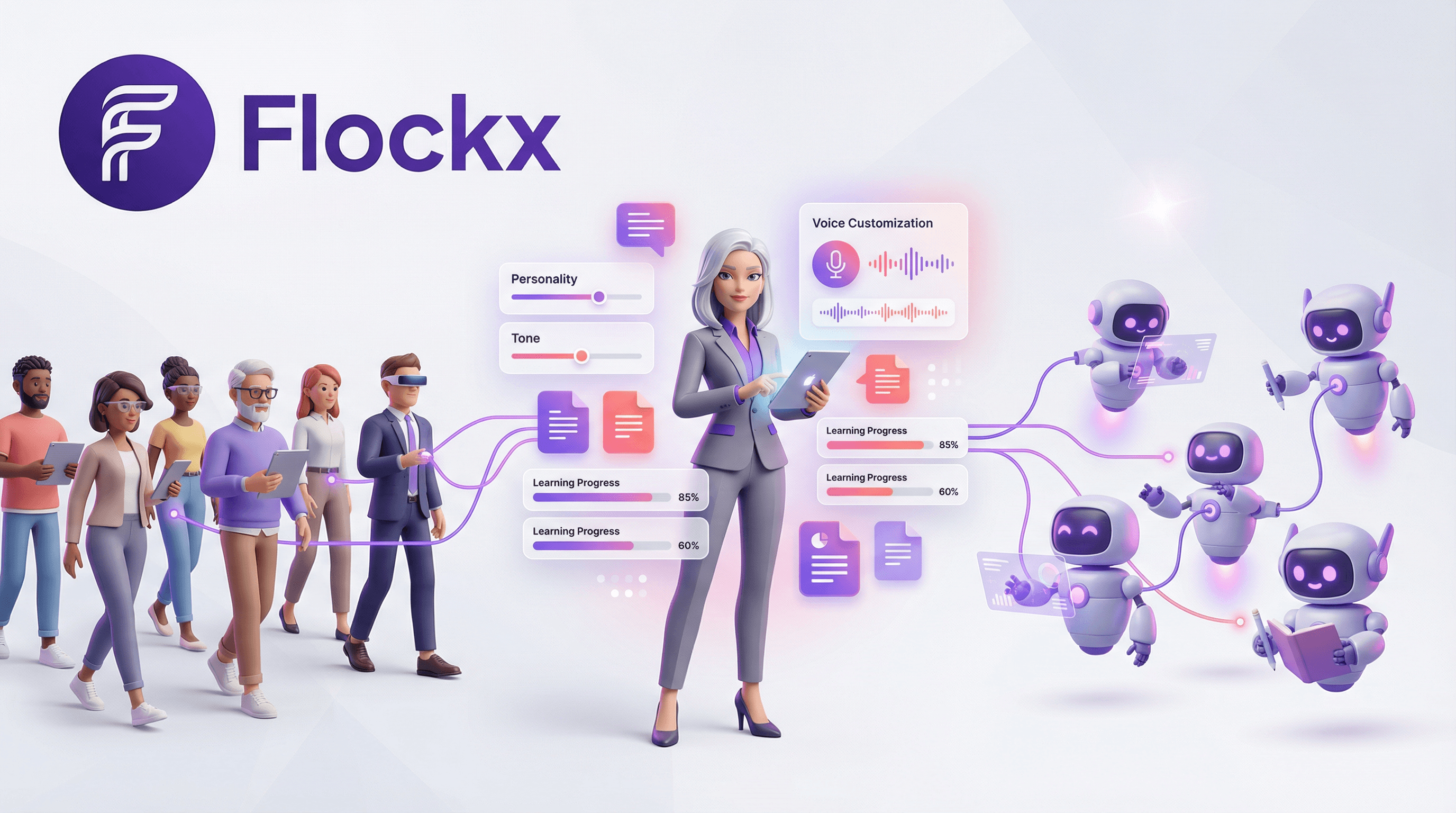
Flockx knows the fundamentals—how to write, how to research, how to organize. But they don't know your specific world yet. They don't know your past episodes, your brand guidelines, your audience's preferences, or the way you've always done things.
That's where training comes in.
The Training Principle
Every piece of knowledge you share with Flockx compounds. Upload your past work, and CLARA can reference it. Share your brand guide, and MAYA stays on-brand. Add your research notes, and SAGE builds on your existing insights.
What You Can Upload
Flockx can learn from virtually any content you've created. The more context you provide, the more useful they become.
Documents & Files
- • PDFs (brand guides, research, manuscripts)
- • Word documents and text files
- • Slide decks and presentations
- • Transcripts and scripts
Spreadsheets & Data
- • Google Sheets (schedules, catalogs)
- • Excel files (data, analytics)
- • CSV exports (contacts, inventory)
- • Airtable bases
Websites & Links
- • Your main website (about, services)
- • Blog posts and articles
- • Portfolio pages
- • Public documentation
Cloud Integrations
- • Notion workspaces
- • Google Drive folders
- • Dropbox directories
- • Connected platforms
Training Your Team: Step by Step
Start With Your Website
Your website is the foundation. It contains your core information—who you are, what you do, and how you talk about yourself. Add your primary URL and let your team absorb all public content from your domain.
Pro tip: Before adding, make sure your website is current with your about page, services, contact info, and recent work.
Build Your FAQ Knowledge
What questions do people ask you repeatedly? What do new collaborators always need to know? Document these as question-answer pairs, and your team can handle them consistently.
Example FAQ entries:
- • "What's your turnaround time?" → "Typically 48-72 hours..."
- • "Do you offer revisions?" → "Yes, two rounds included..."
- • "What formats do you deliver?" → "MP3, WAV, and..."
Add General Knowledge
Beyond FAQs, share important context that helps your team understand your world. This includes your process, your preferences, and your unique approach.
- Your creative process and workflow
- Industry terminology you use
- Key relationships and collaborators
- Past projects and case studies
Connect Cloud Sources
For ongoing knowledge, connect your cloud platforms. Your Notion workspace, Google Drive folders, or Airtable bases can sync automatically, keeping your team current without manual updates.
Pro tip: Start with your core knowledge sources and expand gradually. Your team will adapt as your content grows.
Quick Updates Through Conversation
Not everything needs a formal upload. Sometimes the fastest way to teach your team is through conversation.
Conversation-Based Training
Simply tell your specialists what they need to know:
"CLARA, when writing show notes, always include timestamps for key moments."
"MAYA, our Q1 campaign focuses on podcast growth, not social media."
"SAGE, we're pivoting from B2C to B2B focus—update your recommendations accordingly."
These conversational updates are absorbed into your team's context and applied to future work.
Training Best Practices
Start Small, Then Expand
Don't try to upload everything at once. Begin with your most essential information—your website, your core FAQ, your brand basics. Add more as you identify gaps in your team's knowledge.
- Prioritize recent work: Your latest projects reflect your current style and standards better than older work.
- Include examples of excellence: Share work you're proud of and explain what makes it good.
- Update regularly: Your team should know about new projects, changed processes, and evolving preferences.
- Be specific about preferences: "Use Oxford commas" is actionable. "Write well" is not.
- Correct mistakes explicitly: When your team gets something wrong, tell them why and what to do instead.
The Compound Effect of Training
Every piece of knowledge you share makes your entire team smarter. Upload your podcast archive, and CLARA can reference past episodes. Share your client list, and ALEX understands who you work with. Add your research notes, and SAGE builds on your existing insights.
What Your Trained Team Can Do
Before training: "Here's a generic blog post about productivity."
After training: "Based on your podcast episode from March about deep work, and your audience's preference for actionable frameworks, here's a blog post that expands on those ideas with new research I found."
The difference is context. A trained team understands your world and works within it. An untrained team is just another generic AI.
Start Training Today
Pick one knowledge source and add it to your team:
- Add your website URL for foundational context
- Create 5-10 FAQ entries for common questions
- Upload your brand guide or style document
- Share 3-5 examples of your best work
The more you train, the better your team performs. Start with the basics and build from there.
Ready to train Flockx?
Upload your knowledge, connect your sources, and watch your AI specialists become true extensions of your creative practice.