How to Add Flockx to Telegram
Connect your AI specialists to Telegram. Engage your audience, provide instant support, and scale your presence across platforms.
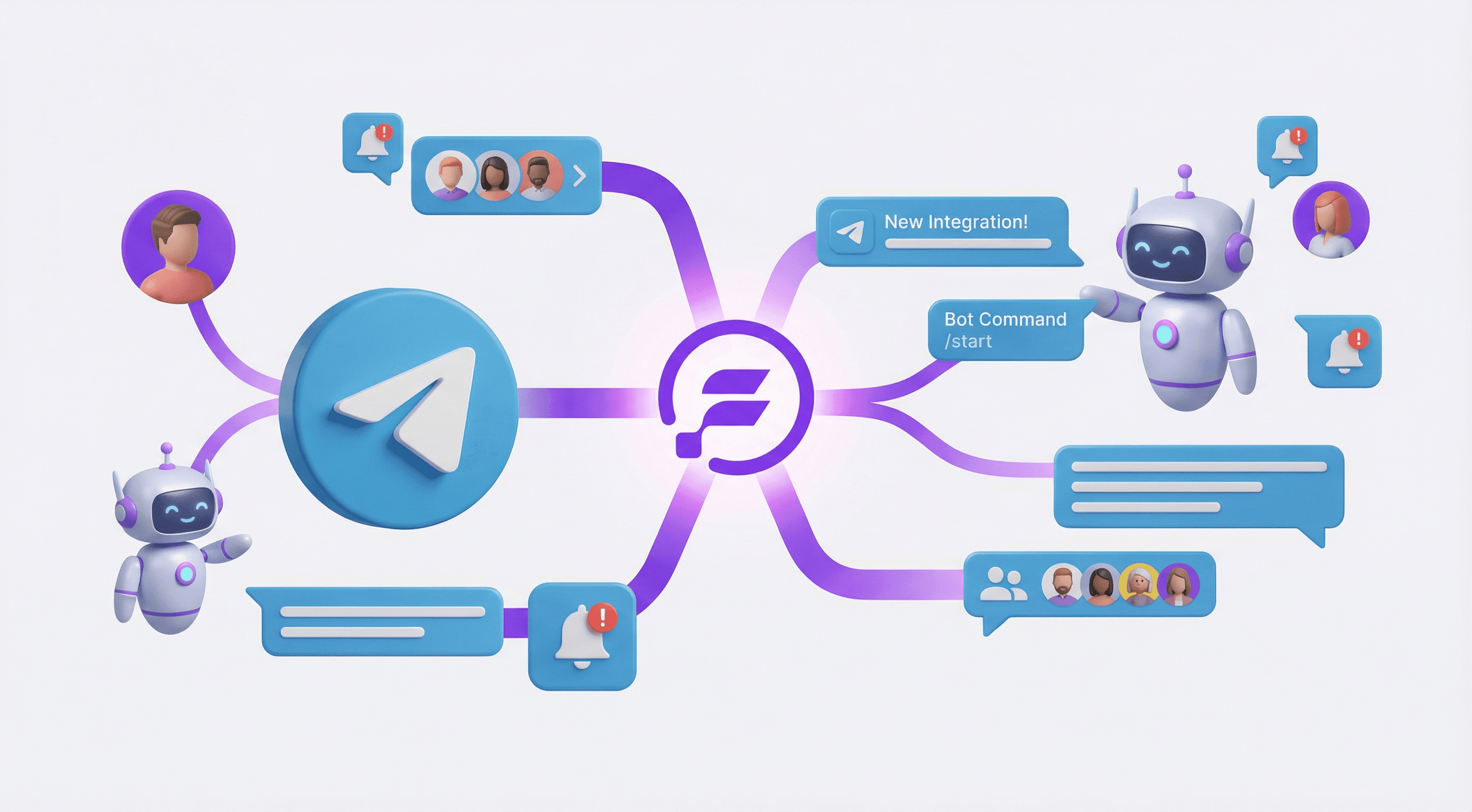
Telegram is where your most engaged audience lives. With Flockx connected, you can provide instant, knowledgeable responses to questions, share updates automatically, and maintain your presence around the clock.
What Telegram Integration Enables
Flockx can join your Telegram channels and groups—answering questions, sharing information, and engaging your audience with the same voice and knowledge they use everywhere else.
Setup: Step by Step
Create Your Telegram Bot
Start by creating a bot through Telegram's BotFather:
- • Open Telegram and search for "@BotFather"
- • Start a chat with BotFather
- • Type "/newbot" to create your new bot
- • Follow the prompts to name your bot
Choose a name that reflects your brand—this is how your audience will see your AI.
Save Your API Token
BotFather will provide an API token after bot creation:
- • Copy the API token BotFather provides
- • Store it securely—you'll need this for configuration
- • Never share this token publicly
The token looks like: 123456789:ABCdefGhIJKlmNoPQRsTUVwxyZ
Connect in Flockx
Link your Telegram bot to Flockx:
- • Open the Flockx app and go to "My Team"
- • Select the specialist you want to connect
- • Find the Telegram integration section
- • Enter your bot API token
- • Click "Connect" to activate
Add Bot to Your Channel
Make your bot active in your Telegram channel or group:
- • Add your bot as an admin to your channel or group
- • Give it appropriate permissions to read and send messages
- • Test with a simple question to confirm it works
Pro tip: Test in a private channel first before going live in your main community.
What Flockx Does on Telegram
Once connected, your AI specialists become active participants in your Telegram community:
Telegram Capabilities
- Instant responses: Answer questions immediately using your knowledge base.
- Automated updates: Share announcements and new content automatically.
- Resource navigation: Help members find the right information from your content.
- 24/7 availability: Engage your global audience across time zones.
- Consistent voice: Every response sounds like you because your AI learned from you.
Gradual Rollout
Start with basic features and expand as your audience gets comfortable. Begin by having your AI handle FAQs, then add more capabilities as you see what your community needs most.
Telegram Integration Best Practices
- Train first: Ensure your AI has comprehensive knowledge before connecting to Telegram.
- Introduce your AI: Let your community know about your new specialist and what it can help with.
- Monitor responses: Check interactions during the first week to ensure quality and provide corrections.
- Set boundaries: Define what your AI handles vs. what needs your personal attention.
- Update regularly: Keep your knowledge base current so your AI always has accurate information.
Multi-Platform Presence
Telegram works best as part of a multi-platform strategy. Flockx can maintain consistent presence across Telegram, Discord, your website, and more—all with the same voice and knowledge.
The advantage: Whether your audience reaches out on Telegram, Discord, or your website, they get the same quality response. Flockx coordinates across platforms, maintaining context and consistency everywhere.
Ready to Connect?
Telegram integration takes just a few minutes to set up. Create your bot, connect it to Flockx, and you are ready to engage your audience on one of the world's most active messaging platforms.
Your community gets faster, more consistent engagement. You get time back to focus on creating. Everyone wins.
Connect Flockx to Telegram
Scale your audience engagement across platforms. Flockx maintains your voice everywhere.